
 October 3, 2026
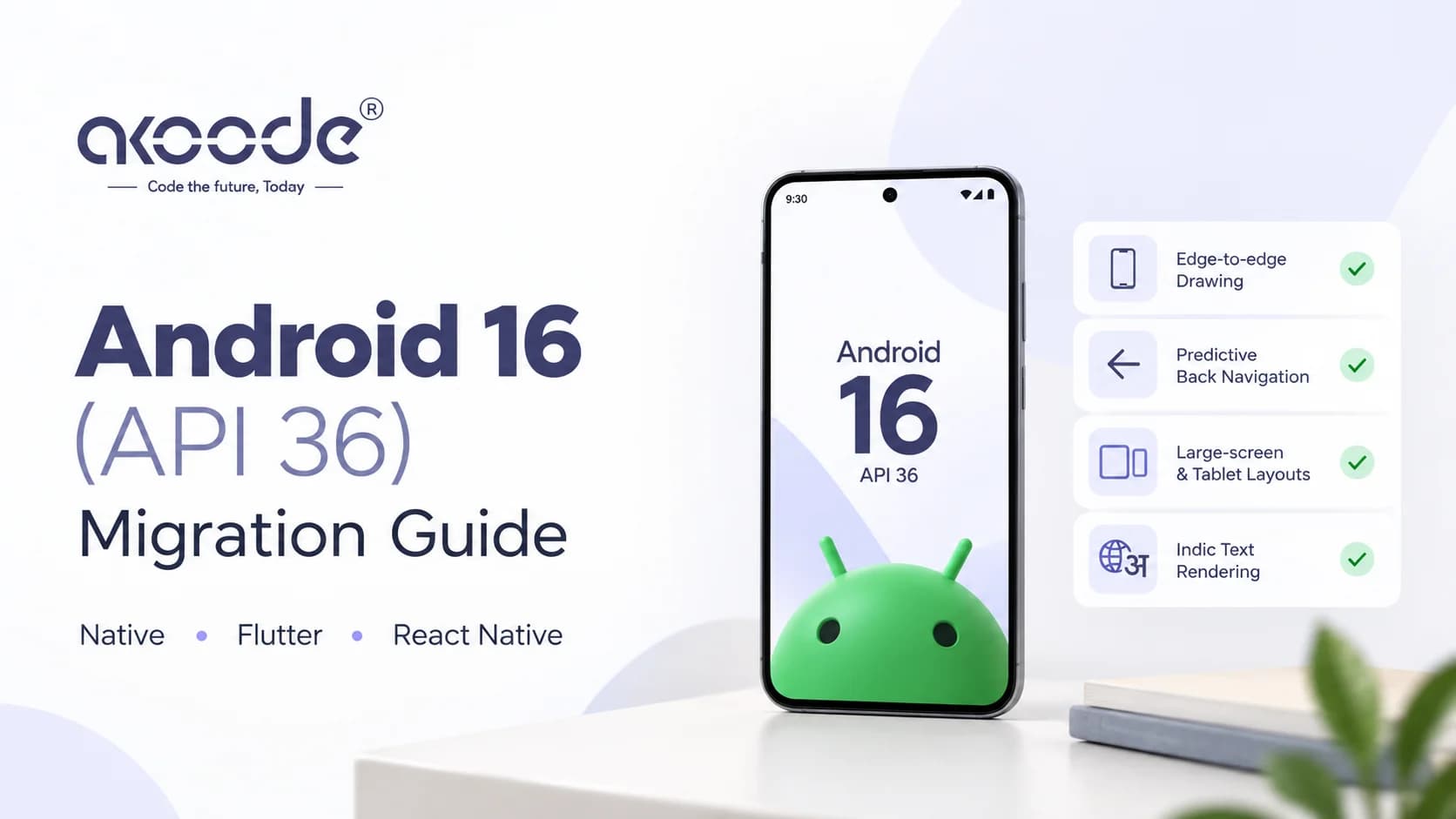
If you ship an Android app, your next update has to target Android 16. Google Play's rule took effect on 31 August 2026, and the extension window that softened it closes on 1 November. Bumping targetSdk to 36 takes five minutes. What it switches on takes longer: forced edge-to-edge drawing, a new back-navigation model, tablet layouts that ignore your orientation lock, and a text-rendering change that matters if you ship Tamil, Telugu, Kannada, Malayalam, Gujarati or Odia.
This guide covers what Google Play requires, the five behaviour changes that decide how much work you have, working code for each, how Flutter and React Native differ from native, and a four-week plan that finishes before 1 November. Most of what follows comes from Google's own documentation as of 1 October 2026. Where we're making a judgment call, we say so.
What Google Play actually requires
The rule has more nuance than most summaries suggest. Here's how Google's policy page breaks it down for phones and tablets:
Your app's situation | What the policy says |
|---|---|
New app, or an update to a published app | Must target Android 16 (API 36) or higher |
Published app, targets API 35, you don't ship an update | Compliant, and stays available |
Published app, targets API 34 or lower, not updated | Only offered to devices running that Android version or lower, so new users on newer Android can't find it |
Users who already installed the app | Not affected, they can still use and reinstall it |
Apps you plan to update but can't finish in time | Can request an extension to 1 November 2026 |
Two practical consequences follow. First, an app on API 35 that you never touch is fine, but the first security fix or SDK patch you need to ship forces the migration. Doing it now, on your terms, beats doing it during an incident. Second, the extension is requested through the warning on the Policy status page in Play Console, and Google says only non-compliant apps receive that warning and form. It gives you time, and the requirement stays.
The five changes that decide your workload
Android 16 has a long list of behaviour changes for apps targeting it. Five of them decide whether this is a small job or a big one:
Change | Can you opt out? | Typical impact |
|---|---|---|
Edge-to-edge drawing | No, on Android 16 devices | High: every screen with a bottom button, input field or app bar |
Predictive back | Yes, temporarily, with a manifest flag | High if you intercept back anywhere |
Large-screen orientation and resizability | Yes, temporarily, with a manifest property | Medium: only affects displays 600dp wide and up |
Elegant text height removed | No | Medium for Indic and other complex scripts, low for Latin |
Fixed-rate scheduling | No | Low |
Smaller items sit behind these, and we cover them later. Start with the first three, because they account for most of the migration work.
Edge-to-edge: the one you can't dodge
Android 15 forced apps to draw behind the status and navigation bars, but you could opt out with a theme attribute. At API 36 that door closes. Google's documentation says the attribute is deprecated and disabled, and the app can't opt out of going edge-to-edge.
There's a subtlety worth knowing. If your app targets 36 and runs on an Android 15 device, the old attribute still works. On Android 16 it doesn't. Google's advice is to remove it entirely, so your app behaves the same on both. A team that leaves it in will test on an Android 15 phone, see nothing wrong, and ship a layout that breaks on Android 16.
What breaks in practice: a "Pay now" button hidden behind the gesture bar, an app bar sitting under the status bar, a full-screen image with controls underneath the system UI, and a keyboard that covers the field being typed into.
For Views, handle insets on your root layout:
kotlin
override fun onCreate(savedInstanceState: Bundle?) {
    enableEdgeToEdge()
    super.onCreate(savedInstanceState)
    setContentView(binding.root)

    ViewCompat.setOnApplyWindowInsetsListener(binding.root) { view, insets ->
        val bars = insets.getInsets(
            WindowInsetsCompat.Type.systemBars() or WindowInsetsCompat.Type.displayCutout()
        )
        view.updatePadding(bars.left, bars.top, bars.right, bars.bottom)
        insets
    }
}
For Compose, let the Scaffold pass insets down and handle the keyboard on forms:
kotlin
Scaffold(modifier = Modifier.fillMaxSize()) { innerPadding ->
    CheckoutContent(
        modifier = Modifier
            .padding(innerPadding)
            .imePadding()
    )
}
Keyboard handling deserves its own test. Teams migrating React Native apps report that relying on adjustResizealone stops being enough once edge-to-edge is on. Test every screen that has a text field, with the keyboard open, on a small phone.
Predictive back: find every place you intercept back
For apps targeting API 36 on Android 16 devices, predictive back animations (back-to-home, cross-task and cross-activity) are on by default. The part that bites is this: onBackPressed is not called and KeyEvent.KEYCODE_BACK is not dispatched anymore. Any code that overrides either one simply stops running.
Checkout is where this hurts most. Screens that ask "Cancel this payment?" before letting the user leave usually intercept back. If that logic lives in an old onBackPressed override, it silently disappears, and the user can leave a half-finished payment screen with no warning.
Move it to the supported API:
kotlin
onBackPressedDispatcher.addCallback(this, object : OnBackPressedCallback(true) {
    override fun handleOnBackPressed() {
        if (paymentInProgress) {
            showCancelPaymentDialog()
        } else {
            isEnabled = false
            onBackPressedDispatcher.onBackPressed()
        }
    }
})
In Compose, use BackHandler:
kotlin
BackHandler(enabled = paymentInProgress) {
    showCancelPaymentDialog()
}
In Flutter, PopScope replaces the deprecated WillPopScope. Check the callback signature for your Flutter version, since it changed in recent releases:
dart
PopScope(
  canPop: !paymentInProgress,
  onPopInvokedWithResult: (didPop, result) {
    if (!didPop) showCancelPaymentDialog();
  },
  child: const CheckoutScreen(),
)
If you can't migrate in time, Google allows a temporary opt-out by setting android:enableOnBackInvokedCallback to false on the <application> or <activity> tag. Treat that as a bridge, not a fix.
Large screens: your portrait lock no longer holds
For apps targeting API 36, orientation, resizability and aspect-ratio restrictions no longer apply on displays with a smallest width of 600dp or more. That covers tablets, foldables and desktop windowing. The app fills the window, and the platform ignores screenOrientation, resizeableActivity, minAspectRatio, maxAspectRatio, and the portrait and landscape values passed to setRequestedOrientation().
Games are exempt, and so are users who explicitly opt in to the app's default behaviour in their device's aspect ratio settings.
Two things go wrong. Layouts designed for a portrait phone stretch badly, with off-screen animations and oversized components. And rotation now happens on devices where it never did, which means more activity re-creation and lost user state if you haven't saved it.
If you're not ready, you can opt out per activity or for the whole app:
xml
<application ...>
  <property
    android:name="android.window.PROPERTY_COMPAT_ALLOW_RESTRICTED_RESIZABILITY"
    android:value="true" />
</application>
Google is explicit that this is temporary. The opt-out won't apply when you target API 37, so whatever you defer now comes due next cycle. The better route is a layout that adapts to window size, with UI state held in a ViewModel or saved state so rotation doesn't wipe a half-filled form.
Indic text rendering: the India-specific risk
This is the change nobody writes about for Indian apps. Apps targeting Android 15 had the elegantTextHeightattribute turned on by default, replacing the compact font with a more readable one. Android 16 deprecates the attribute and ignores it once you target API 36. Google says the "UI fonts" these APIs controlled are being discontinued, and tells developers to adapt layouts for consistent rendering in Arabic, Lao, Myanmar, Tamil, Gujarati, Kannada, Malayalam, Odia, Telugu and Thai.
Devanagari isn't in Google's list, so Hindi apps may be unaffected. Test it anyway, because the cost of checking is small.
The practical risk is clipping and cramped layouts. Taller scripts need more vertical room, so a button or label with a fixed height that looked fine in English can cut off Telugu or Malayalam text. Avoid hard-coded heights on text containers:
xml
<!-- Risky: fixed height clips taller scripts -->
<TextView android:layout_height="40dp" ... />

<!-- Safer: let the text decide, with a minimum -->
<TextView
    android:layout_height="wrap_content"
    android:minHeight="40dp" ... />
In Compose, use heightIn(min = 40.dp) instead of height(40.dp) on text containers.
A framework note. React Native's Text is backed by native Android text views, so the platform change applies directly. Flutter draws text with its own engine, so don't assume either way and verify on a device. For every language you ship, screenshot your key screens on a real Android 16 phone and compare against the build before the bump.
Smaller changes worth checking
A few more items in Google's list can matter depending on your app:
Fixed-rate scheduling. When targeting Android 16, at most one missed
scheduleAtFixedRateexecution runs when your app returns to a valid lifecycle, instead of all of them. If you rely on catch-up behaviour, test it. Google provides a compat flag,STPE_SKIP_MULTIPLE_MISSED_PERIODIC_TASKS.Safer Intents. Receiving apps can now opt in to strict intent matching through the
intentMatchingFlagsmanifest attribute. It's opt-in for now, but Google's roadmap points to making strict resolution the default eventually.Local network permission. Access to devices on the local network is moving behind a runtime permission. It's in an opt-in phase today and will be enforced in a later release. Apps that talk to printers, POS terminals, smart-home gear or casting targets over Wi-Fi should start testing now.
Health and fitness permissions.
BODY_SENSORSgives way to the granularandroid.permissions.healthpermissions, and mobile apps migrating must declare a privacy-policy activity or the permission is revoked.App-owned photos. When users limit photo access, photos your app owns appear pre-selected in the picker, and deselecting one revokes your access to it.
Flutter, React Native and native: what differs
The platform behaviour is identical, but the work isn't. Here's where each stack needs attention:
Stack | What to focus on |
|---|---|
Native (Views) | Insets listeners, |
Native (Compose) |
|
Flutter | Flutter apps have targeted Android 15 by default since 3.27, which already turned edge-to-edge on. Flutter's own migration notes warn that old opt-out mechanisms might crash on Android 16 and recommend version-specific resources. Move to |
React Native | Edge-to-edge opt-out is gone, |
For any stack, audit your third-party SDKs before you bump. Payment, analytics, maps, push and crash-reporting libraries can each have their own API 36 compatibility. Halodoc's engineering team lists validating third-party SDKs as a distinct step in their rollout, alongside regression runs on edge-to-edge, predictive back and orientation.
If you're deciding which stack to build on, our pages on Flutter, React Native and native app development cover how we think about each.
A four-week plan to finish before 1 November
Today is 3 October, which leaves 29 days. A schedule that fits:
Week 1 (3–9 Oct): inventory and bump. Raise
compileSdkandtargetSdkin a branch. List every place you intercept back, lock orientation, set fixed text heights, or use the edge-to-edge opt-out attribute. Check each SDK's release notes for API 36 support.Week 2 (10–16 Oct): edge-to-edge and back. Fix insets on every screen, handle keyboard insets on forms, and migrate back handling to the supported APIs.
Week 3 (17–23 Oct): large screens, text, SDKs. Make layouts adapt to window size, preserve state across rotation, check Indic scripts, and update or replace SDKs that block the migration.
Week 4 (24 Oct–1 Nov): staged rollout. Ship through Play Console's staged rollout, watch crash and ANR rates, and widen gradually.
The Gradle change itself is tiny:
kotlin
android {
    compileSdk = 36
    defaultConfig {
        targetSdk = 36
    }
}
If your app is non-compliant and you can't finish in time, request the extension from the warning on the Policy status page now, and treat 1 November as a hard stop.
What to test on
A green build tells you nothing about layout, so test on these:
Test | Why |
|---|---|
Android 15 device and Android 16 device | The edge-to-edge opt-out behaves differently on each |
Gesture navigation and 3-button navigation | Insets and back behaviour both change |
Tablet or foldable (600dp and up) or an emulator | Orientation and resizability are now ignored |
Every language you ship, on a real device | Catches clipped Indic text |
A low-RAM phone | Process death exercises your saved state |
Keyboard open on every form | The bottom button and focused field must stay visible |
Google's compatibility framework lets you flip individual behaviours without changing the target, for example adb shell am compat enable UNIVERSAL_RESIZABLE_BY_DEFAULT <package> for the large-screen change. That helps you test one change at a time.
Mistakes worth catching in code review
Bumping
targetSdkand checking only the first screen.Leaving
windowOptOutEdgeToEdgeEnforcementin place and testing only on Android 15.Leaving
onBackPressedoverrides in screens that guard unsaved or in-flight work.Locking orientation in the manifest and assuming that's enough on tablets.
Fixed-height text containers in apps that ship Indic languages.
Treating the temporary opt-outs as the solution.
Skipping the SDK audit and discovering a broken payment or push library after release.
What comes next
Several of today's escape hatches have an expiry. Google states plainly that the large-screen opt-out won't apply when you target API 37, and the predictive back opt-out is described as temporary. If Google keeps its yearly pattern, expect another target-API step next August. The cheapest strategy is to treat the opt-outs as short loans, and to budget one small target bump per year instead of a scramble every few years.
Getting help with this migration
An API 36 migration touches layouts, navigation, third-party SDKs and release management at once, which is why it often stalls between teams. If you want help, our Android app development and mobile app development teams handle migrations like this, and teams looking for a mobile app development company in India can talk to us directly.
If you'd rather work with a team in your own city, we have pages for Gurgaon, Delhi NCR, Noida, Mumbai, Pune, Bangalore, Hyderabad, Chennai, Kolkata, Ahmedabad, Jaipur and Lucknow. If you're a company in the US, UK, Canada or UAE with Android users in India, see our mobile pages for the USA, UK, Canada and UAE. Our mobile app security checklist pairs well with this migration, and our piece on mobile app development trends covers the wider picture.
Frequently Asked Questions
Is targeting API 36 mandatory?
For new apps and for any update you submit, yes. Since 31 August 2026, Google Play requires new apps and updates to target Android 16 (API 36) or higher.
What happens if I don't update my app?
If it targets API 35 or higher, nothing changes. If it targets API 34 or lower, it's only offered to devices running that Android version or lower, so new users on newer devices can't find it. Existing installs keep working.
Can I get an extension?
Yes, Google allows an extension to 1 November 2026. Only non-compliant apps receive the warning and extension form, found on the Policy status page in Play Console.
Can I opt out of edge-to-edge on Android 16?
No. For apps targeting API 36 on Android 16 devices, the opt-out attribute is disabled, so your layouts have to handle system bar insets.
Can I opt out of predictive back?
Temporarily. Set android:enableOnBackInvokedCallback to false on the application or activity tag. The better fix is migrating to the supported back APIs.
Does this affect Flutter and React Native apps?
Yes. The behaviour changes come from the Android platform, so they apply whatever framework you use. Each framework has its own way of handling insets and back navigation.
Will my portrait-locked app break on tablets?
On displays 600dp wide and up, the portrait lock is ignored when you target API 36, so layouts must adapt. A temporary opt-out exists, but it won't apply at API 37.
Does the font change affect Indian languages?
Google lists Tamil, Gujarati, Kannada, Malayalam, Odia and Telugu among the scripts to check, because the elegant text height setting is ignored at API 36. Test every language you ship on a real device.
Want a second opinion on your API 36 plan before the extension ends? Book a call with Akhil.
About Akoode
Akoode Technologies builds mobile apps, AI products and custom software from Gurugram, India, with a US presence in Jenks, Oklahoma. Clients rate us 4.9 on Google from 126 reviews and 5.0 out of 5 on GoodFirms.
Get In Touch Now
View More Our Blog