



 May 27, 2026
Some platforms hold your hand. OpenCart does not.
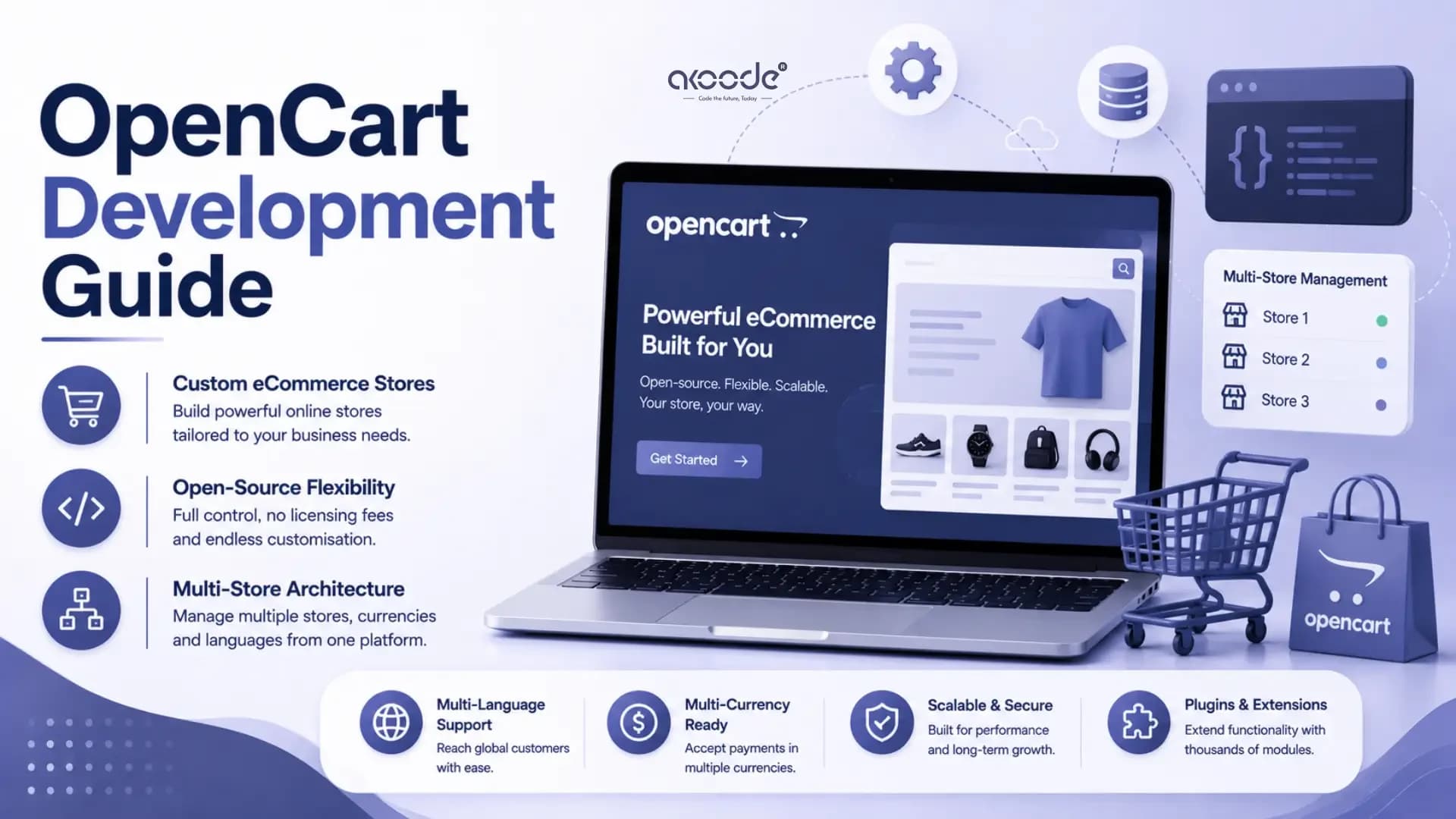
It is free to download, open source, and built entirely around e-commerce. No monthly fees. No vendor controlling your roadmap. No limits on what you can modify. For developers and businesses that want full ownership of their store infrastructure, that combination is genuinely hard to beat.
But OpenCart rewards developers who understand how it thinks. Build with it correctly and you get a fast, scalable, maintainable store. Build against its architecture and you create problems that compound with every update.
This guide covers both sides. What OpenCart is, how its architecture works, and how to build on it properly in 2026.
What Makes OpenCart Different from Other eCommerce Platforms?
OpenCart is a self-hosted, open-source eCommerce platform. You install it on your own server. You own the database, the files, and every line of code.
That ownership model is the core difference from platforms like Shopify. On Shopify, the vendor controls hosting, deployments, and what you can change. On OpenCart, nothing is off-limits. You can modify templates, build custom modules, expose custom API endpoints, or restructure the admin panel entirely.
The tradeoff is responsibility. Self-hosting means managing your own server, updates, backups, and security. That is not a problem for experienced teams. It is a barrier for businesses without technical support.
OpenCart powers hundreds of thousands of stores globally. Its strength sits in the mid-market. More capable than website builders, lighter than Magento, more flexible than Shopify. For businesses with international ambitions, multi-store requirements, or specific custom functionality needs, it consistently makes economic sense.
How Does OpenCart's MVCL Pattern Work in Practice?
Most PHP frameworks use MVC. OpenCart adds a fourth layer and calls it MVCL.
The L stands for Language. Every text string in the application, button labels, error messages, page titles, lives in a dedicated language file rather than scattered through controller or template code. This makes building multilingual stores genuinely manageable rather than a retrofitting exercise.
Here is how each layer operates day to day.
The Model handles every database operation. When a customer views a product, the model runs the query, returns the data, and handles nothing else. Models live in
catalog/modelfor the storefront andadmin/modelfor the backend. They extend the base Model class and keep all SQL logic in one place.The Controller sits between the model and view. It receives the request, calls the right model methods, and passes the data forward. Nothing more. Controllers that contain database queries or HTML are a sign the architecture is being ignored.
The View handles output using Twig templates. Twig replaced PHP templates in OpenCart 3.x. It enforces separation between logic and presentation. Template files live in
catalog/view/templateand receive only the data the controller explicitly passes to them.The Language layer loads text through language files rather than hardcoded strings. When you add a label to a form, it goes into the language file first. The controller loads the language file and passes the strings to the view. This single habit makes international versions of any module straightforward to maintain.
Understanding this pattern before writing a single line of custom code is the most important step in any OpenCart development project.
How Do You Set Up a Local OpenCart Development Environment?
A proper local setup saves hours. Most development problems trace back to skipped setup steps.
Start with a local server stack
OpenCart requires PHP 8.0 or higher and MySQL 5.6 or higher. XAMPP covers Windows developers quickly. Laravel Valet is cleaner on Mac. Docker with a PHP, MySQL, and Nginx configuration is the best option for teams. Docker environments are consistent across machines. Everyone runs the same stack.
Download and extract OpenCart
Get the latest stable release from opencart.com. The zip contains an upload folder. That folder's contents are what you deploy to your server root or local web directory.
Create a MySQL database
Do this before running the installer. You will need the database name, username, and password ready.
Run the installer
Navigate to your local directory in a browser. The installer checks PHP extensions, file permissions, and server requirements. Fix any warnings before moving forward. Skipping this step and hitting problems mid-installation wastes time.
Delete the install folder
This is mandatory before the store goes live. The installer itself is a security risk if left accessible. OpenCart will remind you, but do not rely on reminders.
Configure for development
Install the OpenCart developer tools extension. It adds a debug bar that shows active controller paths, template locations, and database queries on every page load. Without this visibility, debugging takes three times longer than it should.
How Do You Build a Custom OpenCart Module?
Modules are the primary way to add functionality. Every module follows the same directory structure across both the storefront and the admin panel.
For the admin side, you work in four files:
admin/controller/extension/module/your_module.phpadmin/model/extension/module/your_module.phpadmin/view/template/extension/module/your_module.twigadmin/language/en-gb/extension/module/your_module.php
The storefront mirrors this structure exactly under catalog/ instead of admin/.
The controller does the work. It loads the language file, sets the page title and breadcrumbs, handles form saves, and passes data arrays to the template. Keep it lean. If a method grows beyond thirty lines, it is usually doing something the model should handle instead.
Two features matter more than any other in module development.
The event system lets you modify core behaviour without touching core files. Events fire at defined points in the request cycle. You register a listener in your module's controller. When the event fires, your code runs. Updates to OpenCart's core files do not break your customisation because your code never touched those files. Every serious OpenCart developer uses events. Developers who edit core files directly spend weeks chasing update-related bugs.
The ocmod system handles find-and-replace modifications on core files through an XML file you package with your module. The store applies the modifications on install and reverses them cleanly on uninstall. Like events, it keeps your customisations separate from the files that updates overwrite.
Use events first. Use ocmod when events cannot reach what you need. Never edit core files directly.
How Does the OpenCart API Work?
OpenCart 4.x ships with a built-in REST API. You generate credentials in the admin panel under System, then Users, then API. Every authenticated request includes the API key in the header.
The API covers the most common integration needs. Products, orders, customers, and cart operations all have endpoints. An order management system that needs to pull pending orders, update fulfilment status, and push tracking numbers back to the store can do all of this through standard API calls without custom code.
When the built-in API falls short, custom endpoints are built as modules following the same MVCL pattern. You create a controller in the catalog/controller/api directory, define the methods you need, and register the endpoint. External applications call it exactly as they would a built-in endpoint.
This extensibility is particularly useful for mobile app development. A native iOS or Android app communicating with an OpenCart store typically uses custom API endpoints to expose the exact data structures the app needs rather than working around the shape of the built-in responses.
What Does OpenCart Support Out of the Box?
Before reaching for extensions, knowing what the core platform handles saves money and reduces plugin conflicts.
Multi-store is the feature most businesses overlook. A single OpenCart installation manages multiple stores with separate domains, separate themes, and separate product visibility rules. All stores share one admin panel. For businesses running regional stores or brand-specific microsites, this eliminates the cost and complexity of multiple separate installations.
Multi-currency with automatic exchange rate updates and multi-language with full locale control are both core features. For stores with international customers, this removes a significant amount of custom development work from the initial project scope.
The extension marketplace adds over 13,000 modules. Payment gateways for Razorpay, Paytm, Stripe, and PayPal. Shipping integrations for major carriers. SEO tools, abandoned cart recovery, product review systems, and loyalty programs. Most standard requirements are solved before any custom work begins.
When Does OpenCart Make More Sense Than the Alternatives?
The platform selection decision shapes every cost and timeline that follows. Getting it right before development starts matters far more than any technical decision made during the build.
OpenCart is the stronger choice when the business needs full code ownership and no per-transaction fees. When multi-store management from one installation is a requirement. When total cost of ownership over three years matters more than fast time to launch. When specific custom functionality needs architectural control that SaaS platforms cannot provide.
Shopify is the better fit when operational simplicity and fast launch are the priorities and the monthly cost is acceptable. Magento serves large enterprises with genuinely complex catalogue structures, multi-warehouse inventory, and teams with dedicated platform engineering resources. How these platforms compare is worth understanding before any brief is written.
What Does OpenCart Development Actually Cost?
The platform is free. The project is not.
Hosting for an OpenCart store runs ₹2,000 to ₹15,000 per month in India depending on traffic. Premium marketplace themes cost $20 to $150 as a one-time purchase. Extensions range from free to over $200 for complex systems.
Development work divides into three common tiers. A standard setup with a premium theme, payment gateway integration, and catalogue import typically costs ₹30,000 to ₹80,000. A custom-designed store with unique UI, custom modules, and third-party integrations typically costs ₹1,00,000 to ₹4,00,000. Enterprise multi-store builds with custom API development and ERP connections go significantly higher.
For businesses comparing these figures against other platforms, eCommerce development costs in India gives a complete picture of where the money actually goes at each complexity level.
What Mistakes Do OpenCart Developers Make Most Often?
Editing core files
Any core file modified directly will be overwritten on the next update. The event system and ocmod exist precisely to avoid this. There is never a good reason to edit core files.
Skipping performance configuration
A default OpenCart install without caching will underperform under moderate traffic. Configure the built-in caching system during setup. Add Redis or Memcached for higher-traffic stores. Neither takes more than an hour to implement correctly.
Installing untested extensions in production
Extension conflicts are the leading cause of OpenCart store outages. Test every extension in a staging environment first. Always.
Weak admin security
Move the admin directory path from the default during setup. Enable two-factor authentication. Keep PHP and MySQL versions current. Default configurations are not hardened for production.
Conclusion
OpenCart rewards developers who work with its architecture rather than around it. The MVCL pattern is consistent throughout the codebase. The event system keeps customisations maintainable. The extension marketplace covers most requirements before custom code is needed. And the multi-store, multi-currency, multi-language core capabilities make it genuinely competitive for businesses with international ambitions.
The businesses and teams that get the most from OpenCart share one habit. They invest time understanding how the platform thinks before they write the first module. That investment pays forward across every feature added, every update applied, and every performance problem avoided.
Akoode Technologies is a leading AI and software development company headquartered in Gurugram, India, with a US office in Oklahoma. From OpenCart development and eCommerce development to custom web applications and AI-powered platforms, Akoode builds eCommerce products for startups, SMEs, and enterprises across 15+ industries globally. If you are starting an OpenCart project and want a development team that knows the platform from architecture to deployment, that conversation starts here.
Frequently Asked Questions
1. What is OpenCart and what makes it different?
OpenCart is a self-hosted, open-source eCommerce platform. You install it on your own server and own the full codebase. Unlike Shopify, no vendor controls your hosting or feature roadmap. It supports unlimited products, multi-store management, multi-currency, and multi-language from a single installation.
2. What is the MVCL pattern in OpenCart?
MVCL stands for Model, View, Controller, and Language. The Model handles database operations. The Controller manages application logic. The View handles template output through Twig. The Language layer keeps all text strings in dedicated files rather than scattered through code. Every module and customisation follows this four-layer structure.
3. How do you build a custom module in OpenCart?
Each module needs four files per application side: a controller, model, view template, and language file. The event system lets you modify core behaviour without editing core files. The ocmod system handles find-and-replace modifications packaged with the module. Both approaches keep customisations separate from core files so updates do not break them.
4. How does the OpenCart API work?
OpenCart 4.x includes a built-in REST API covering products, orders, customers, and cart operations. Authentication uses an API key generated in the admin panel. Custom endpoints are built as modules following the MVCL pattern when the built-in API does not cover a specific integration requirement.
5. When should a business choose OpenCart over Shopify?
OpenCart suits businesses that need full code ownership, no ongoing platform fees, multi-store management from one installation, or specific custom functionality that SaaS platforms cannot accommodate. Shopify is the better fit when operational simplicity and fast time to launch matter more than platform control.
6. What does OpenCart development cost in India?
A standard store setup costs ₹30,000 to ₹80,000. A custom-designed store with unique UI and custom modules costs ₹1,00,000 to ₹4,00,000. Enterprise multi-store builds with API development and ERP integration go higher. OpenCart itself is free. Hosting, premium themes, extensions, and ongoing maintenance are the primary ongoing costs.
Get In Touch Now
View More Our Blog