


 August 5, 2026
The Question Is Framed Wrong
Almost every version of this comparison you will read online is an argument about quality. Custom is better. Templates are limiting. WordPress is bloated. Modern frameworks are overkill for a brochure site. The arguments are tribal, the authors are usually selling one of the two options, and none of it helps a finance director decide anything.
So let us do something less satisfying and more useful. Treat this as an accounting exercise.
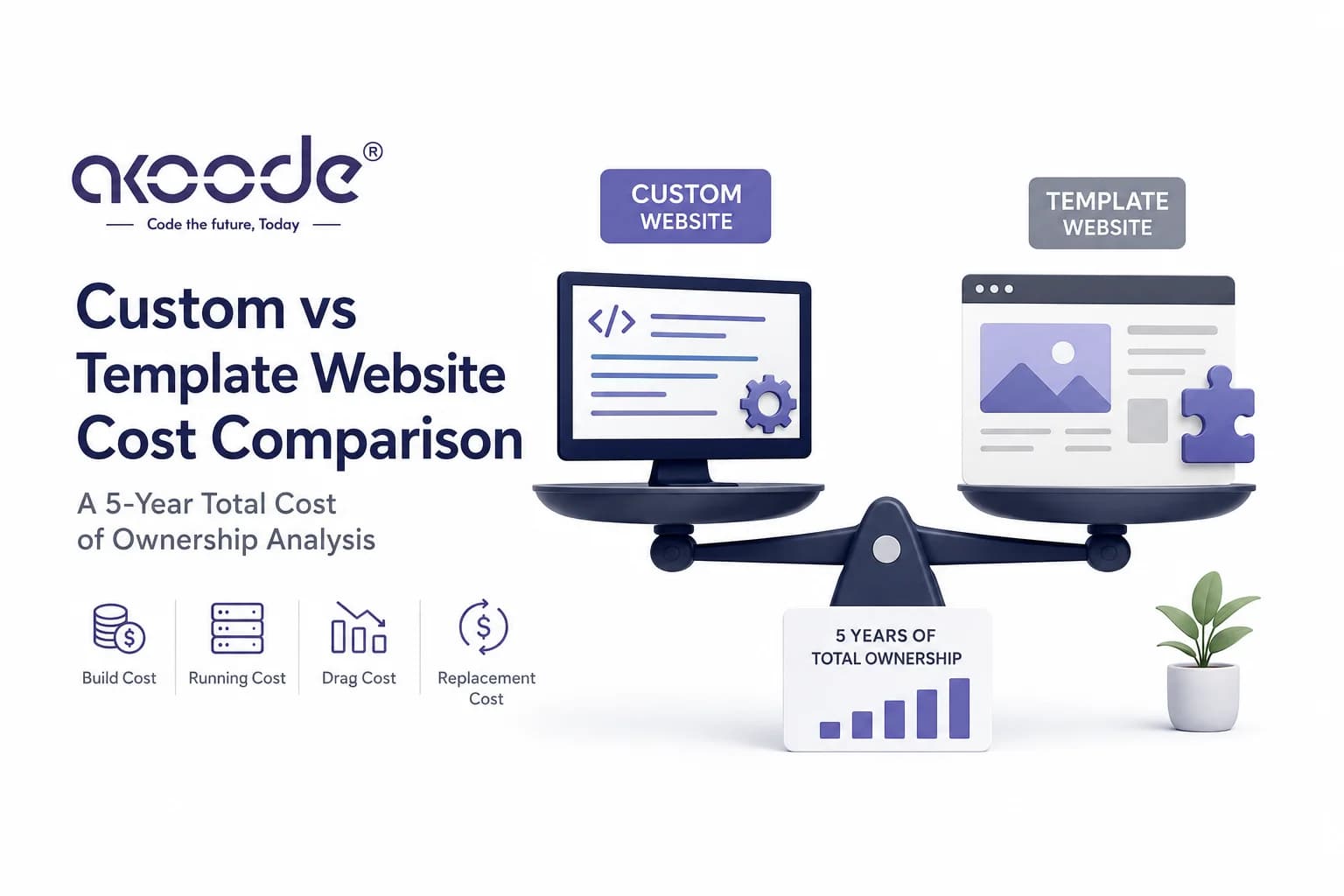
A website is not a purchase. It is an asset with a build cost, a running cost, an opportunity cost while it underperforms, and a replacement cost at end of life. Compare only the first number and the template wins every time, which is exactly why the first number is the one that gets compared. Compare all four across a realistic ownership period and the ranking frequently reverses, though not always, and not for everyone.
Five years is the right window. It is roughly how long a business website lasts before it is either rebuilt or quietly embarrassing. It is also long enough for maintenance and performance effects to compound, which is where the interesting differences live.
This article builds that model line by line. The numbers below are illustrative structures, not quotes: the point is the shape of the cost curve and which lines you need to fill in with your own figures. If you want the underlying pricing mechanics for a build in India, our breakdown of website development cost in India covers how scope translates into a number, and the WordPress development cost guide does the same for the WordPress path specifically.
One clarification before the model, because the terms get muddled constantly. This article compares a licensed theme or page-builder template configured for you against a codebase written around your business. It is not an argument about WordPress as a content management system. WordPress used properly, as a headless content layer behind a custom frontend, sits in a third category we get to later.
Four Cost Lines That Never Appear in a Quote
Every proposal you receive covers line one. The other three arrive later, usually as separate invoices or as revenue that never showed up.
Build cost. Design, development, content migration, integrations, testing, launch. This is the number in the proposal and the only one most buyers compare.
Running cost. Hosting, licences, plugin subscriptions, security patching, dependency updates, the hours someone spends every month keeping the thing alive. Predictable, boring, and cumulatively larger than most people expect.
Drag cost. What the site costs you by underperforming. Slower pages convert worse. Rigid templates mean the marketing team ships campaigns late or not at all. Every month the site is a constraint rather than a tool, there is a number attached, and almost nobody writes it down.
Replacement cost. What you pay to rebuild, plus the disruption of doing it. This one is scheduled by the decisions in year zero, whether or not anybody realises it at the time.
The template path optimises line one aggressively. The custom path spends more there in exchange for lower numbers on lines two, three and four. Whether that trade pays depends entirely on your traffic, your conversion value and how fast your business changes, which is why a universal answer does not exist and anyone offering one is selling something.
Year Zero: What You Actually Pay to Launch
The build gap is real and it is not small. A configured premium theme with your branding, content and a handful of plugins is a fraction of the cost of a codebase written around your business. Anyone who tells you otherwise is either padding the template quote or underquoting the custom one.
But the launch comparison is less clean than the headline suggests, because the template path carries costs that get filed under other headings.
Customisation against the theme's assumptions. A theme is a set of decisions someone else made about a business that is not yours. The moment your requirements diverge, a developer starts fighting the theme rather than building. This work is real, it is billed, and it is frequently larger than the theme purchase itself. Businesses regularly spend three times the theme cost bending it into shape, then describe the project as a template build because that is how it started.
Plugin acquisition. Forms, SEO, caching, security, backups, sliders, multilingual support, custom fields, page building. Each solves a problem the theme did not. Each has a licence, an update cycle and a compatibility surface with every other plugin installed.
Performance remediation. Themes and page builders ship generous amounts of CSS and JavaScript that your site does not use, because they are built to serve every possible buyer. Getting a page-builder site to acceptable speed is a project in itself, and the ceiling is lower than a purpose-built frontend because you cannot remove what the builder needs to function.
Content and integration work. Identical on both paths. Content migration, CRM connection, payment gateway, analytics setup. These do not care what the frontend is made of, and they are frequently a larger share of the project than buyers expect.
Net position at launch: the template path is genuinely cheaper, usually by a meaningful multiple. That advantage is real. The question is what happens to it.
Years One to Five: Where the Gap Opens
Here is where the model earns its keep. Run these lines annually for both paths.
Licences and subscriptions
The template path accumulates recurring costs that the custom path largely does not have. Theme renewal, and then eight to fifteen plugin licences, each renewing annually, each with a price that tends to rise, several of which moved from one-time purchase to subscription somewhere in the last few years without asking your permission.
Individually these are trivial. Collectively, over five years, they become a line item that surprises people when someone finally totals it.
A custom build has hosting and infrastructure costs, which are real, and very little else recurring. Open-source dependencies do not invoice you.
Maintenance and patching hours
This is the largest hidden line, and it is a labour cost rather than a licence cost, which is why it hides so well.
On the template path, updates arrive constantly and from many directions: WordPress core, the theme, and every plugin, each on its own schedule, each with the potential to break something else. The standard failure pattern is well known to anyone who has run one of these sites. A plugin update breaks the contact form. Nobody knows which plugin. Rolling back fixes the form and reintroduces a security vulnerability. Someone spends a day on it. This recurs.
Compounding the problem: over five years, some plugins get abandoned by their developers. Now you have an unmaintained dependency with a known vulnerability and no upgrade path, and replacing it means rebuilding whatever depended on it.
On the custom path, dependencies are fewer, chosen deliberately, and updated on a schedule your team controls. Maintenance is not zero, and anyone claiming otherwise has not maintained anything. It is materially lower, more predictable, and it does not include the archaeology of figuring out what half the installed plugins do.
How to fill this line in: estimate monthly maintenance hours for each path, multiply by your developer or agency rate, then annualise. Most businesses discover the template path costs three to five times more here, and that the total over five years is a significant fraction of what the custom build would have cost in year zero.
Change velocity
This line does not appear on any invoice, which is precisely why it deserves attention.
Ask what happens when marketing wants a new landing page format, a campaign microsite, a calculator, or a personalised section for logged-in customers. On a template, the answer ranges from "a day" to "the theme cannot do that, we would need another plugin, and it will slow the site down." On a custom build, it is a scoped piece of work with a predictable cost.
The cost of a slow "no" is a campaign that ships late or does not ship. Over five years, a marketing team constrained by its own website is expensive in ways that never get attributed to the website.
The Performance Cost Nobody Quantifies
This is the line that turns a close comparison into a decisive one, and it is the line that almost never gets modelled.
Page speed affects conversion. This is not contested, it is measurable, and Google documents the thresholds openly through Core Web Vitals. It also affects rankings, which affects traffic volume before conversion even enters the picture. The two compound.
A page-builder site can be made fast. It cannot usually be made as fast as a purpose-built frontend, because the builder ships code the page does not need and you cannot remove it without breaking the editing experience you bought it for. The gap is typically the difference between "acceptable" and "excellent", and on mobile connections, which is where most of your visitors are, that gap widens.
Here is how to put a number on it, which is the part most comparisons skip.
Take your monthly organic and paid sessions. Take your current conversion rate and the value of a conversion. Model a conservative relative improvement in conversion rate from a faster site. Multiply out. Then do the same for the traffic effect, since better performance and cleaner technical architecture affect ranking positions and therefore session volume.
Run those numbers for your own business and the result is frequently uncomfortable. For a site with meaningful traffic and a high-value conversion, the annual drag cost of a mediocre-performing site can exceed the entire build cost difference between the two paths. For a low-traffic site with a low-value conversion, it does not come close, and the template is the correct commercial decision.
That is the actual dividing line, and it has nothing to do with which technology is better.
The Rebuild Cycle
The last line is replacement, and it is where the two paths diverge most sharply.
Template builds tend toward a three-to-four year replacement cycle. The reasons are consistent: the theme becomes unmaintained, plugin debt reaches a point where nobody wants to touch it, performance has degraded past the point of remediation, or the business has outgrown what the theme can express. The rebuild is usually a full rebuild, because there is nothing worth carrying forward.
Custom builds tend toward a longer cycle with different economics. A well-architected codebase gets refreshed rather than replaced. The design system evolves, the frontend gets modernised, the content model and integrations survive. You are extending an asset rather than writing one off.
Over a five-year window, this frequently means the template path funds one build and one rebuild while the custom path funds one build and one refresh. Add that to the model and it changes the total materially.
There is a second cost hiding here. A rebuild is not just money, it is risk. Every migration puts your search rankings, your content and your integrations through a cutover, and migrations go wrong often enough that the risk is not theoretical. Choosing an architecture that needs replacing sooner means running that risk more often.
Three Situations Where WordPress Genuinely Wins
An honest comparison has to include the cases where the cheaper path is also the right one. There are several, and pretending otherwise would be a sales argument rather than an analysis.
You are validating, not scaling. A new business testing whether there is a market, a founder who needs a credible presence next month, a product with an uncertain shape. Spend the minimum, learn, and rebuild deliberately once you know what the site actually needs to do. Building a custom platform before product-market fit is a well-documented way to spend money on assumptions.
The site is genuinely a brochure and will stay one. Low traffic, no logged-in functionality, no complex integrations, conversions that happen by phone rather than on the site, no roadmap that adds anything. A template does this job competently and the drag cost is small because there is not much traffic to drag on. Paying for custom engineering here is buying capability you will not use.
Content publishing is the whole business and the stack is disciplined. WordPress remains an excellent editorial system. A publisher running a well-maintained installation with a small, deliberately chosen plugin set and serious caching can perform well and operate efficiently. The failure mode is plugin sprawl, not WordPress itself, and teams with the discipline to avoid sprawl do fine.
If you are in one of these three situations, the template path is not a compromise. It is the correct decision, and you should take it without guilt.
Three Situations Where a Template Is the Expensive Choice
Your site carries real traffic and a valuable conversion. Once the drag cost of a slow, generic site exceeds the build cost difference annually, the argument is over. Model it and see where you fall. Businesses in this position frequently discover they have been paying the custom build price every year in lost conversion without ever receiving a custom build.
The roadmap includes application behaviour. Logged-in areas, calculators, booking flows, dashboards, personalisation, partner portals. This is the most common and most expensive mistake we see. The line between a website and a web application has mostly dissolved, and buying brochureware when the roadmap wants application behaviour means rebuilding in eighteen months. Buy for where the product is going, not where it starts.
You operate under compliance or accessibility obligations. Healthcare, finance, insurance, government and education all carry requirements that shape architecture: consent flows, audit trails, data residency, and conformance with the W3C accessibility guidelines. Retrofitting these onto a theme is possible and unpleasant, and the result is usually partial. Building them in is cheaper and it actually works.
The Middle Path Most Businesses Miss
The comparison is usually presented as binary, and it is not.
A large share of businesses want the editing experience of WordPress and the performance of a custom frontend, and that combination exists. Run WordPress as a headless content layer, expose the content through an API, and build the frontend in a modern framework. Your marketing team keeps an interface they already know. Your visitors get a frontend with no theme overhead, no page-builder payload and full control over rendering and structured data.
The same pattern works with purpose-built headless content systems if you are not attached to WordPress specifically.
This route costs more than a template and less than a fully bespoke platform with a custom admin. For mid-market businesses with content velocity and traffic worth protecting, it is frequently the best value in the entire comparison, and it is the direction most of the migrations we run are heading. Our custom website development work increasingly sits here rather than at either extreme.
Run the Model on Your Own Numbers
Everything above is structure. The decision comes from your figures, and you can produce them in an afternoon.
Step one: get two real quotes. One template-based, one custom, both scoped against the same written requirements. Not ranges from a website. Actual quotes with itemised exclusions.
Step two: estimate annual running cost for each. Hosting, licences, subscriptions, and maintenance hours multiplied by your rate. Ask both vendors for their honest monthly maintenance estimate and add a margin, because vendor estimates for maintenance are consistently optimistic.
Step three: calculate your drag cost. Monthly sessions, conversion rate, conversion value. Model a conservative conversion improvement from better performance, and a conservative traffic improvement from better technical architecture. This is the number that decides it.
Step four: set replacement years. Assume a rebuild in year three or four on the template path, a refresh on the custom path. Price both.
Step five: total five years on both paths. The winner is usually clear, and it is not always the one you expected before you started.
If your five-year totals land close together, take the template. Close enough means the extra capability is not being used, and unused capability is the definition of overspending.
Where Akoode Sits on This
We build custom, and we will tell you when you should not.
Akoode Technologies is a web development and product engineering company based in Gurugram with a US presence in Oklahoma, working across India, the UK, the US and the UAE. We have delivered 180+ projects across 15+ industries, hold a 4.9 rating on Google from 110 reviews and 5.0 on GoodFirms, and our client retention sits at 97%.
Enough of our work is redesign and migration that we see the end of the template lifecycle constantly: sites arriving with plugin debt nobody can untangle, performance past the point of remediation, and a marketing team that has stopped asking for things because the answer is always no. Those migrations usually pay for themselves in recovered organic traffic, which is a polite way of saying the drag cost had been running for years.
We also turn away work. If your site is a brochure, your traffic is modest and your roadmap is empty, a custom build is not a good use of your money and we will say so on the first call rather than the third.
If you want the model run against your real numbers rather than a generic argument, bring your analytics and your current quotes. Book a slot directly with our founder and we will work through the five lines together. If the answer is a template, that is what you will hear.
Frequently Asked Questions
Is WordPress bad for SEO?
No. WordPress itself is neutral, and plenty of high-ranking sites run on it. The problems come from what gets stacked on top: page builders that inflate page weight, plugin conflicts that break rendering, and themes that produce poor semantic structure. A disciplined WordPress installation performs well. A page-builder site with fifteen plugins usually does not, and the difference is the implementation rather than the platform.
How much more does a custom website cost than a template?
The build gap is usually a multiple rather than a percentage, and it varies enormously with scope. That number matters less than the five-year total, which includes running cost, performance drag and replacement. Get both quotes itemised against the same requirements and run the full model before comparing headline figures.
Can a WordPress site pass Core Web Vitals?
Yes, with work. A lean theme, minimal plugins, serious caching, image optimisation and a good host will get most WordPress sites into the acceptable range. Page-builder sites are considerably harder because the builder ships code you cannot remove. The realistic ceiling is lower than a purpose-built frontend, particularly on mobile.
What is headless WordPress and should I consider it?
It means using WordPress purely as a content management and editing layer, with the public site built separately in a modern framework that pulls content through an API. Your team keeps a familiar editor, visitors get a frontend with none of the theme overhead. It suits businesses with content velocity and traffic worth protecting, and it costs less than a fully bespoke platform.
How long does a custom website take to build compared with a template?
A template configuration can launch in weeks. A focused custom business website typically runs six to ten weeks from discovery to launch, and platforms with heavy integrations run three to five months. The timeline difference is real and it is worth weighing against a hard launch deadline, though it is rarely the deciding factor over a five-year horizon.
We already have a template site. Is it worth rebuilding now?
Depends on the drag cost. Calculate what the current site costs you annually in lost conversion and constrained marketing, and compare that against the rebuild investment. If the annual drag exceeds a meaningful share of the rebuild cost, waiting is the expensive option. If your traffic is modest, staying put is entirely reasonable.
Will I lose my search rankings if I move from a template to a custom build?
Not if the migration is run properly. It requires full URL mapping, a 301 redirect strategy covering every changed path, structured data preservation, a pre-launch crawl compared against the live site, and daily Search Console monitoring through the cutover. Traffic continuity should be written into the acceptance criteria. Migrations that damage rankings are migrations where those steps were skipped.
Who owns the code in each case?
On a custom build you should own the code and the intellectual property outright, from day one, in a repository you control. On a template build you own your content and configuration, but the theme and plugins remain licensed products belonging to their developers. That distinction becomes significant the day you want to change vendors or the day a developer abandons a plugin you depend on.
Get In Touch Now
View More Our Blog